Free UPI QR Code Generator – Generate & Download Instantly
Create universal, high-resolution UPI QR codes with custom amount and transaction notes. Compatible with Google Pay, PhonePe, Paytm, BHIM, and all Indian UPI banking apps.
Payment Details
How to Generate a Universal UPI QR Code
Create and print your customized payment QR code in less than 30 seconds with zero technical knowledge.
Enter Your UPI VPA
Enter your Virtual Payment Address (e.g. yourname@okhdfcbank) and your store or personal payee name.
Add Amount & Note (Optional)
Leave amount blank for open payments, or toggle fixed amount to lock exact rupees with an optional transaction note.
Instant Live Preview
The QR code and UPI deep link update in real time on screen. Test-scan with any UPI app to verify details.
Download, Share, or Print
Download high-res PNG or scalable SVG, or click to print a ready-to-display A4 counter standee immediately.
Why Choose Our Free UPI QR Generator?
Enjoy enterprise-grade features without paying monthly platform subscriptions or sharing sensitive banking credentials.
Universal Interoperability
One QR code works across Google Pay, PhonePe, Paytm, BHIM, Amazon Pay, and all 50+ Indian banking UPI apps. No separate QR per wallet.
Fixed Amount Embedding
Set any amount in INR and the paying app locks it automatically. Customers only enter their UPI PIN — no manual entry, no billing disputes.
Zero Data Collection
Your UPI ID runs entirely in your browser. Nothing is ever sent to or stored on any server. Go offline after loading — the tool still works.
Print-Ready Counter Standee
One click opens a formatted A4 merchant display with your QR, payee name, and "Scan & Pay" instructions. Slide it into any acrylic T-stand.
Crisp Vector SVG Export
Download lossless SVG for infinite scaling or 300 DPI PNG for WhatsApp, invoices, and professional print — sharp at any size.
No Account or Login Needed
No sign-up, no OTP, no subscription. Open the page, type your UPI ID, and your QR is ready. Come back any time — it works forever for free.
Who Needs a Custom UPI QR Code?
Designed for anyone in India looking for a direct, contactless payment acceptance method.
Local Merchants & Kirana Stores
Place one printed QR standee on your billing counter. Customers pay with any UPI app they have — zero MDR, instant bank settlement.
Freelancers & Professionals
Embed a fixed-amount QR in your PDF invoices. Clients scan and pay instantly — no payment gateway, no 2% cut, no T+2 settlement wait.
Online Sellers & Digital Creators
Share your QR on WhatsApp, Instagram, or Telegram for direct order collection — no payment gateway fees or account lock-in.
Static vs Dynamic UPI QR Codes: What's the Difference?
Learn why a static UPI QR code is the most cost-effective solution for 95% of small businesses and individuals.
There are two fundamentally different types of UPI QR codes in India, and confusing them leads to unnecessary costs. A static UPI QR code encodes your permanent UPI ID (Virtual Payment Address) directly into the pattern — the QR never changes, never expires, and costs nothing to generate or maintain. The customer scans it, their app reads your UPI ID, and the money moves directly to your registered bank account via IMPS settlement.
A dynamic QR code, by contrast, is generated fresh for each transaction by a payment gateway server. It carries a specific order ID, expiry timestamp, and real-time payment status tracking. These are powerful for e-commerce platforms tracking thousands of concurrent orders — but they require a live internet connection, a backend server, and typically a monthly platform fee plus a 1–2% Merchant Discount Rate (MDR) on every transaction.
For shopkeepers, freelancers, tutors, landlords, and anyone collecting direct payments in India, the static QR is almost always the right choice. Print it once; it works forever at zero cost.
| Feature / Factor | Static UPI QR Code (Our Tool) | Dynamic Payment Gateway QR |
|---|---|---|
| Setup Cost & Fees | 100% Free Forever (₹0) | Monthly subscription + 2% gateway MDR transaction fee |
| QR Expiry Date | Never Expires (Permanent) | Expires in 5–15 minutes per transaction |
| Backend Hardware Required | None (Printed on paper or sticker) | POS machine or active server connection |
| Settlement Speed | Instant Direct to Bank (Real-time) | T+1 or T+2 settlement cycle |
| Privacy & Data Logging | Zero server storage (Client-side) | User data logged on payment gateway servers |
| Best Suited For | Shops, Freelancers, Rent, Donations, Invoices | Large e-commerce checkout counters |
The Complete Guide to UPI QR Code Generation in India
Everything you need to know about generating, customizing, and printing standard NPCI UPI payment QR codes for stores, freelancers, invoices, and digital billing.
1. What is a UPI QR Code & How Does It Work?
A UPI QR code is a two-dimensional barcode that encodes payment instruction parameters adhering to the official National Payments Corporation of India (NPCI) interoperable payment framework. When scanned by any UPI-enabled mobile application — such as Google Pay (GPay), PhonePe, Paytm, BHIM, Amazon Pay, Cred, or any bank's native UPI app — it automatically resolves the receiver's banking credentials without any manual typing.
Think of it as a printed shortcut to your bank account. Traditional bank transfers require a 16-digit account number, IFSC code, bank name, and payee name — then a 30-minute beneficiary addition waiting period before the first transfer. A free UPI QR code generator compresses that entire process into a 3-second scan. The paying app reads the QR, auto-fills the payee details, and the sender only needs to enter their UPI PIN. Funds move instantly via the IMPS layer with 24/7/365 real-time settlement to your registered bank account.
Unlike credit card QR codes or international payment standards, UPI QR codes are specific to the Indian financial system, governed by NPCI, and designed for zero-MDR peer-to-peer and merchant transactions. As of 2024, UPI processes billions of transactions every month across India, making it the world's largest real-time payment system by volume.
2. Anatomy of an NPCI UPI Payment URI
Behind every standardized UPI payment matrix lies a universal URI deep link following the upi://pay schema. Understanding its constituent query parameters ensures your payment requests execute flawlessly:
| Parameter | Description | Example Value |
|---|---|---|
| pa | Payee Virtual Payment Address (VPA / UPI ID) | store@okaxis |
| pn | Payee / Merchant Registered Legal Name | Sharma Supermarket |
| am | Fixed Transaction Amount (Optional) | 499.00 |
| cu | Currency Code (Always INR in India) | INR |
| tn | Transaction Note / Order Remark (Optional) | Invoice #1042 |
Our tool compiles these values strictly on your client device, giving you a 100% standard deep link such as upi://pay?pa=store@okaxis&pn=Sharma%20Supermarket&am=499.00&cu=INR without passing your credentials through any intermediary database.
3. Universal vs. Single-App QR Codes: Why Interoperability Matters
Many small business owners clutter their checkout counters with three to four different sticker stands—one for Google Pay, one for PhonePe, and another for Paytm. This occurs due to aggressive merchant onboarding campaigns by private payment apps, leading to confusion and slower billing queues.
A single universal UPI QR code generated through our platform operates across all UPI apps simultaneously. Regardless of whether a customer opens BHIM, GPay, Paytm, or their bank's custom application, your single counter standee resolves instantly to your registered bank account with zero merchant discount rate (MDR) deductions.
4. Using UPI QR Codes with Custom & Fixed Amounts
While retail counter standees typically leave the amount open so customers can enter their bill total, embedding a fixed amount offers massive operational advantages for specific use cases:
- Freelance & Service Invoices: Export a vector SVG or PNG with the exact invoice sum (e.g. ₹15,000) embedded in the footer of your PDF bill.
- Fixed-Price Menus & Food Trucks: Display dedicated stickers for set meal combos (e.g. ₹99 or ₹149) so customers can scan and confirm in 3 seconds.
- Event Registration & Ticketing: Pre-fill workshop entry fees to eliminate payment discrepancies and expedite gate check-ins.
- Monthly Rent & Maintenance Dues: Share locked-amount payment QR codes on society WhatsApp groups for automatic bookkeeping.
5. Best Practices for Shopkeepers & Counter Standees
To maximize customer scan speed and protect your store against physical payment fraud, follow these tested practices used by experienced shopkeepers and small business owners across India:
- Use Sealed Acrylic Stands: Avoid loose paper stickers pasted on open counters — these are easy for fraudsters to replace with their own QR codes. Print the A4 standee from our tool and insert it inside a clear acrylic T-stand or snap frame. The sealed format also stays clean, dry, and readable longer.
- Perform a Morning Test Scan: Before opening your store, always scan your counter QR with a ₹1 test payment to yourself. This confirms the payee name and UPI ID are correct and that your bank account is receiving normally. Catch any tampering or technical issue before your first customer arrives.
- Enable SMS and Push Alerts: Ensure your registered bank number receives instant credit SMS alerts. Never hand over high-value goods (medicine, electronics, groceries above ₹500) until you see the debit confirmation on the customer's screen AND you receive your own credit alert. Both should arrive within 10–15 seconds of a successful UPI payment.
- Display Your Payee Name Clearly: Customers feel safer when they can verify the payee name displayed on their app screen matches the name on your shop board. Use your store's registered trading name, not a personal name, for B2C counters — it builds trust and reduces payment abandonment.
- Generate Role-Specific QR Codes: If you have multiple payment purposes — general billing, advance deposits, delivery charges — generate separate QR codes for each with different transaction notes (e.g., "Advance Deposit", "Delivery Charge"). This makes your bank statement easier to reconcile and reduces customer confusion.
6. Common UPI ID Formats Across Indian Banks & Apps
Your UPI ID format depends on which app registered it first. Here are the most common formats you'll encounter when verifying your own or a customer's UPI address:
| App / Bank | Typical UPI ID Format | Example |
|---|---|---|
| Google Pay | name@okicici / name@oksbi / name@okaxis | ramesh@okicici |
| PhonePe | mobile@ybl / mobile@ibl | 9876543210@ybl |
| Paytm | mobile@paytm / name@paytm | 9876543210@paytm |
| BHIM / SBI | mobile@upi / name@sbi | 9876543210@upi |
| Amazon Pay | mobile@apl | 9876543210@apl |
| HDFC Mobile Banking | mobile@okhdfcbank | 9876543210@okhdfcbank |
When entering your UPI ID into our generator, type it exactly as shown in your app — including the @ handle suffix. An incorrect suffix (e.g., @paytm vs @ybl) will route to the wrong account, so double-check before printing. Our tool shows a live URI preview at the bottom of the form so you can verify before downloading.
7. How to Verify Your UPI QR Code Before Printing
Before printing copies of your QR code and putting them up at your counter, always run a quick verification to make sure everything is correct. Here's the exact process:
- After generating your QR on this page, open any UPI app on your phone (GPay, PhonePe, or BHIM works best for testing).
- Use the QR scanner inside the app to scan the on-screen preview from your desktop monitor or laptop screen.
- Verify the payee name shown in the app matches what you typed.
- If you set a fixed amount, confirm the amount field is pre-filled correctly and locked.
- Complete a ₹1 test payment to yourself. Confirm you receive the credit SMS from your bank within 10–15 seconds.
- Only then download and print your final QR code.
This 2-minute verification step has saved many shopkeepers from printing and displaying QR codes with wrong UPI IDs. Once printed and laminated, replacing a standee takes time and money — test first.
📚 Explore Our In-Depth UPI Guides
Want to go deeper? Our blog covers every UPI payment topic with step-by-step tutorials and real-world examples:
- How to Generate a UPI QR Code for Free (Step-by-Step Guide)
- Universal UPI QR Code Explained: Why One QR Works for All Indian Apps
- BHIM UPI QR Code Generator: Complete Setup & Features Guide
- UPI QR Code Generator with Fixed Amount: Use Cases & Tutorial
- Static vs Dynamic UPI QR Codes: Full Side-by-Side Comparison
- UPI QR Codes for Small Businesses: Counter Standees & Retail Playbook
Latest UPI Payment Guides
Explore our expert tutorials on UPI payment setup, merchant guides, and NPCI technical standards.
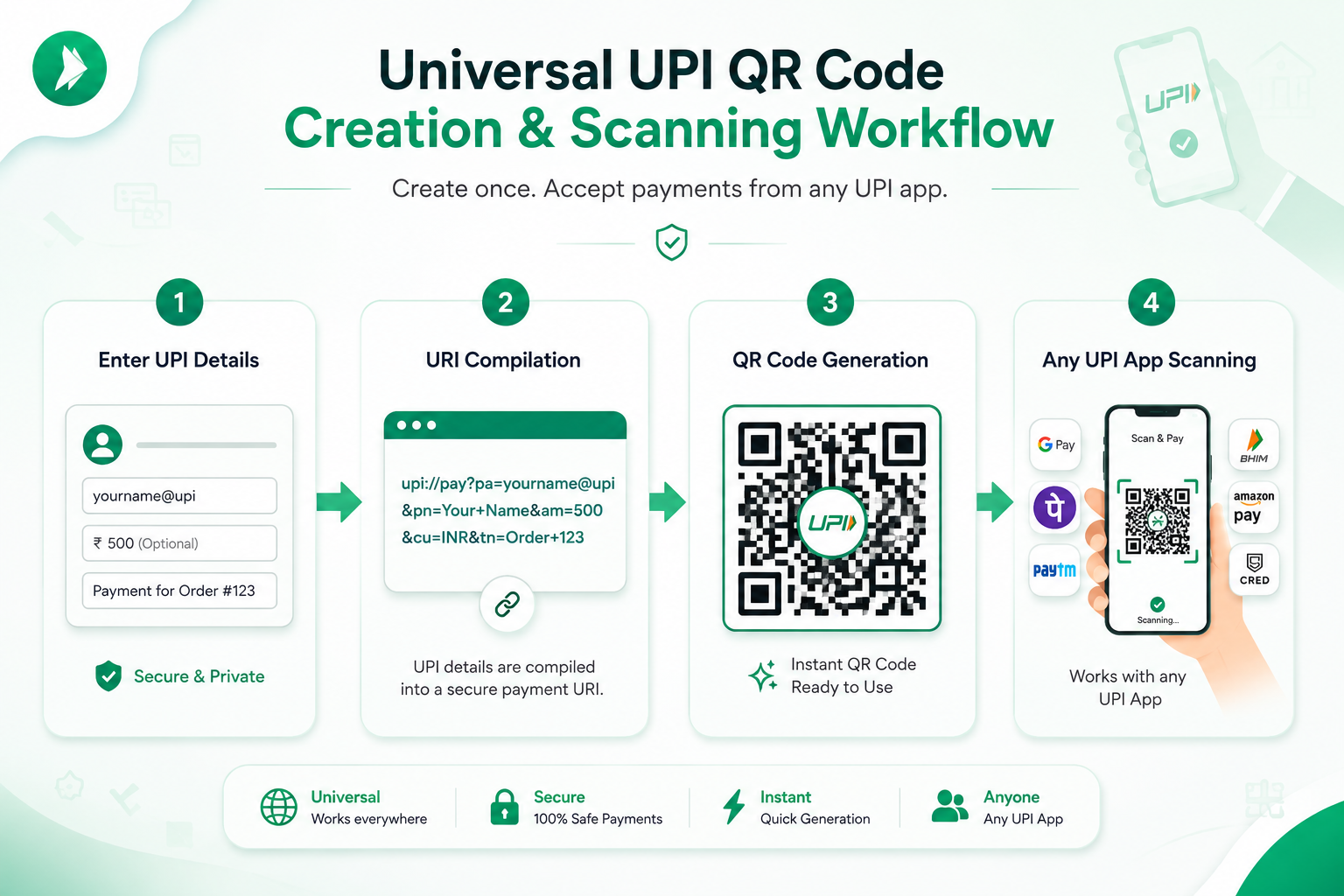
How to Generate a UPI QR Code for Free (Step-by-Step)
Learn how to generate a free UPI QR code online in under 2 minutes. Create universal payment codes for GPay, PhonePe, Paytm & BHIM with zero fees.
Read Full Guide →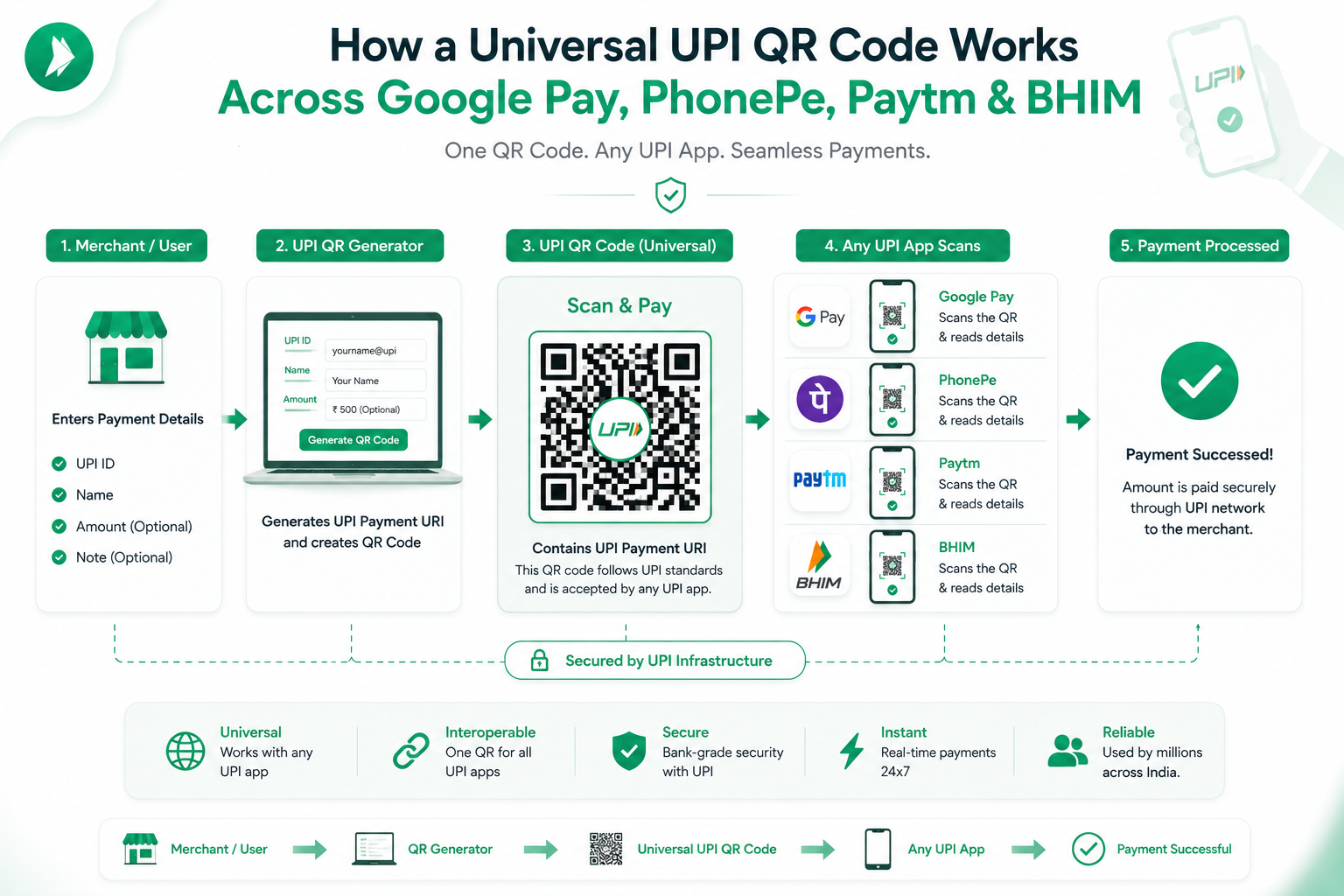
Universal UPI QR Code Explained: One QR for All Apps
Discover how universal UPI QR codes work across GPay, PhonePe, Paytm & BHIM using standard NPCI payment intent deep links. Free setup guide.
Read Full Guide →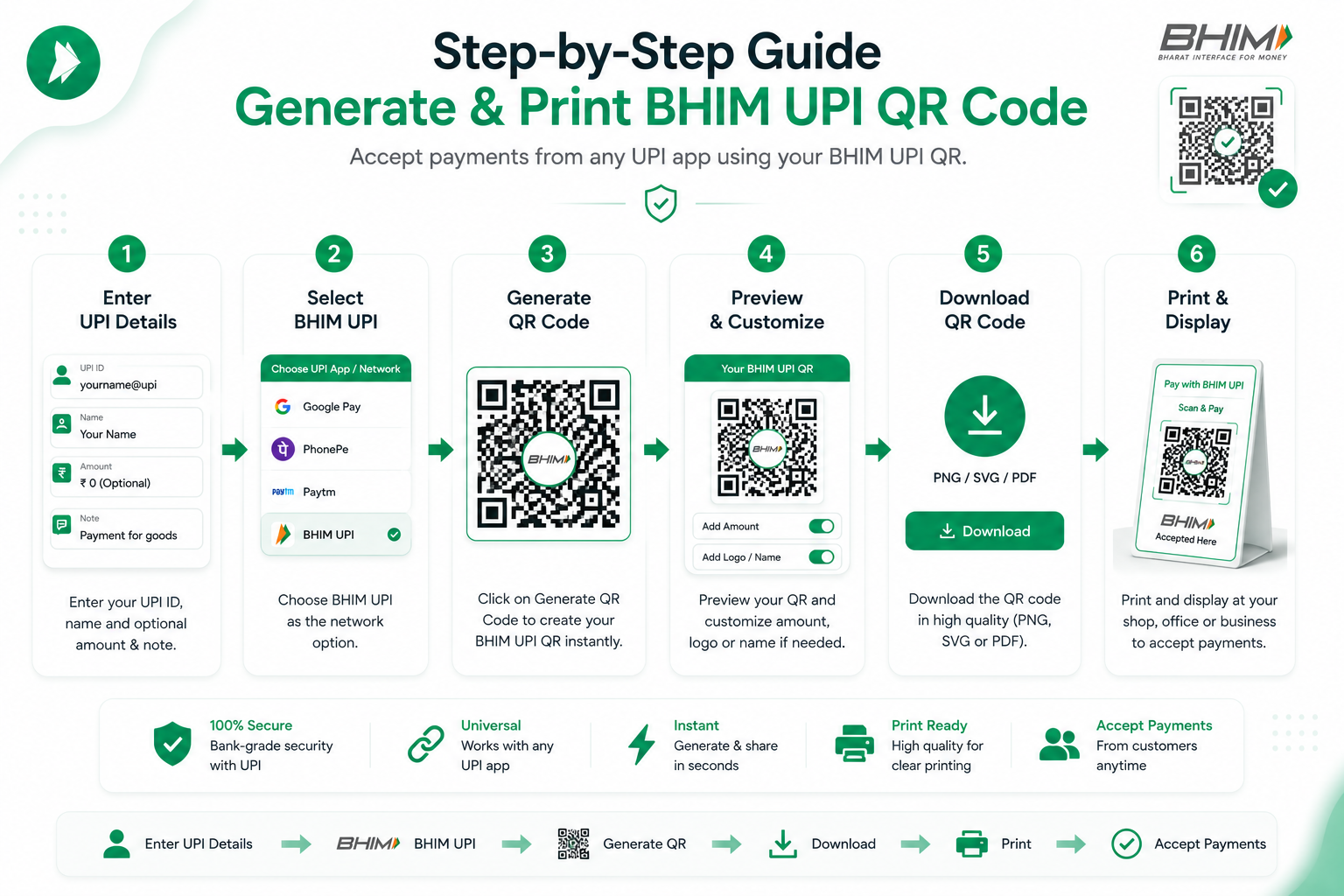
BHIM UPI QR Code Generator: Complete Setup Guide
Comprehensive guide to generating NPCI-compliant BHIM UPI QR codes. Learn how BHIM VPA addresses work, how to set fixed amounts, and print standees.
Read Full Guide →Got Questions? We've Got Answers.
Find answers to commonly asked questions about UPI QR codes, security, amounts, and compatibility.
Yes — and here is exactly why. Our QR codes are built on the official NPCI UPI Deep Linking specification (upi://pay URI schema), which is the same standard mandated for all certified UPI participant apps in India. When a customer opens any app — Google Pay, PhonePe, Paytm, BHIM, Amazon Pay, Cred, WhatsApp Pay, iMobile Pay, or their bank's own UPI app — and scans your code, the app reads the standard URI and routes the payment to your registered bank account.
This means you do not need a separate QR for each wallet app. One printed code handles all of them simultaneously. This is the key practical advantage over app-specific QR codes issued by platforms like PhonePe merchants or Paytm merchants, which may not be accepted universally.
Yes. Enable the "Specify Fixed Amount" toggle in the generator form and enter any amount in INR — for example, ₹250 for a meal, ₹999 for a monthly subscription, or ₹15,000 for a service invoice. When a customer scans this QR with their phone, the amount field in their UPI app is automatically locked to that figure. They only need to enter their UPI PIN to authorize the payment — no manual amount entry, no billing disputes.
This feature is particularly useful for food stalls, tuition fees, event registrations, monthly rent collection, and any fixed-price service. You can generate as many different amount-specific QR codes as you need — one for each product or service tier — at no cost.
Your UPI ID and all other information you type into this tool are never sent to any server — ours or anyone else's. The entire QR generation process runs inside your web browser using client-side JavaScript. Your UPI ID is only used locally on your device to construct the upi://pay URI and render the QR code image on your screen.
You can verify this yourself: open your browser's developer tools (F12), check the Network tab, fill in the form, and you will see zero outgoing requests related to your UPI ID or payee name. The only requests are loading the page assets. Once the page is loaded, you can even go offline and the QR generator will still work perfectly.
Your UPI ID (also called Virtual Payment Address or VPA) is the unique identifier linked to your bank account. You can find it by opening any UPI app on your phone. In Google Pay, go to your profile — it looks like yourname@okicici or yourname@oksbi. In PhonePe, go to "My Account" and look under your mobile number — typically 9876543210@ybl. In Paytm, it's under Payment Settings and looks like yourname@paytm. In BHIM, it's shown on the home screen directly.
If you have multiple UPI apps, each generates a separate VPA linked to the same bank account. Any of them can receive money — use whichever you check most regularly.
Yes, fully. BHIM (Bharat Interface for Money) is developed by NPCI and adheres strictly to the same upi://pay deep-link specification that our QR codes follow. When a BHIM user scans your QR code, the app parses the URI, pre-fills your UPI ID and payee name (and amount, if specified), and presents the standard BHIM payment confirmation screen.
BHIM is one of the most commonly used apps among government employees, bank customers, and rural users in India who prefer the official government-backed application. Ensuring your QR works with BHIM is important for reaching this significant segment of the Indian payment market.
Yes — and printing is one of the most common uses. Click the "Print Counter Standee (A4)" button in the tool to open a browser print dialog with a pre-formatted merchant display layout. It includes your payee name, UPI ID, the QR code, and "Scan & Pay" instructions in a clean, professional format that fits A4 paper. You can also download the PNG or SVG and take it to a local print shop to get it printed on flex, vinyl, or a premium laminated standee.
The SVG export is vector-based, so it scales to any size — A5, A4, A3, or even a large 12×12 inch counter display — without any pixelation or quality loss. Read our guide on setting up a UPI QR standee for small businesses for detailed printing tips.